810:47
Mark ZuckerbergFrom “The Future Mark Zuckerberg Is Trying To Build”Automatic Twitch highlights with AI
Paste a Twitch VOD link. AutoClipMaker listens to the whole stream, finds the reactions and moments worth keeping, and cuts them into vertical clips with captions, ready for YouTube Shorts and TikTok.
Now in beta. Plans from $25 for 30 days, no auto-renewal. Updated 2026-11-11.
GTA 6 in 3 Weeks - Everything You Need To Know Before You Play!GrandGecko · 36 minutes · 14 clips found
Busted $150 price tag?Curiosity gap · starts at 1:57 · 0:46
98Made with AutoClipMaker
Podcasts, interviews and challenge videos, cut into vertical clips with hooks, captions and face tracking.
890:48
GrandGeckoFrom “GTA 6 in 3 Weeks - Everything You Need To Know”950:47
Alex HormoziFrom “The 4 Steps To Your First Dollars Tomorrow”960:48
Outdoor BoysFrom “Can I Survive Alaskan Winter with No Sleeping Bag?”980:56
MrBeastFrom “Survive 30 Days Trapped In The Sky, Win $250,000”980:47
Chris WilliamFrom “I Went To The Biggest KFC In Pakistan”980:47
Robert GreeneFrom “Three Essential Skills For Today’s World”880:47
GrandGeckoFrom “GTA 6 in 3 Weeks - Everything You Need To Know”770:47
Mark ZuckerbergFrom “The Future Mark Zuckerberg Is Trying To Build”950:48
Outdoor BoysFrom “Can I Survive Alaskan Winter with No Sleeping Bag?”740:46
Alex HormoziFrom “The 4 Steps To Your First Dollars Tomorrow”How it works
Paste a link or upload
A YouTube, Twitch, Kick, Google Drive or Zoom link, or a video or audio file from your computer.
AI finds the best moments
It transcribes every word, scores each part for hook, emotion and payoff, and picks the moments worth posting.
Edit, download or schedule
Clips come out vertical with captions. Tweak them in the editor, download them, or schedule them to YouTube Shorts.
New video
Find my clipsOr upload a file: MP4, MOV, MKV, WebM, MP3, WAV or M4A.
Working on it
- Fetched the video, 36 minutes
- Transcribed every word
- Scoring moments for hook, emotion and payoff
- Cutting vertical clips with captions
14 clips ready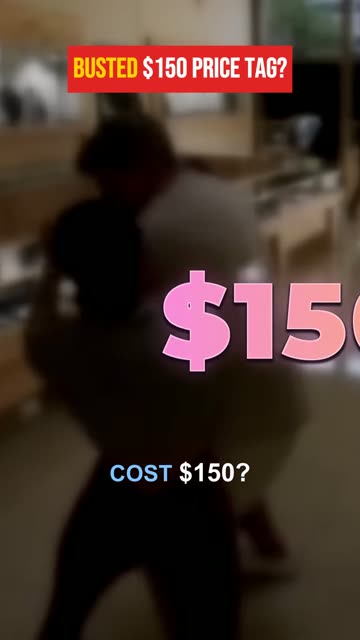
Busted $150 price tag?0:46 · score 98
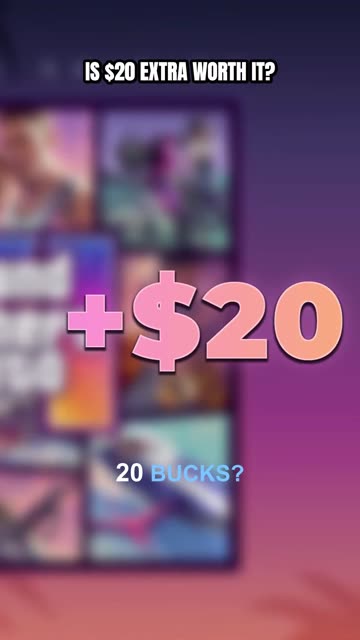
EditDownloadScheduleIs $20 extra worth it?0:45 · score 97
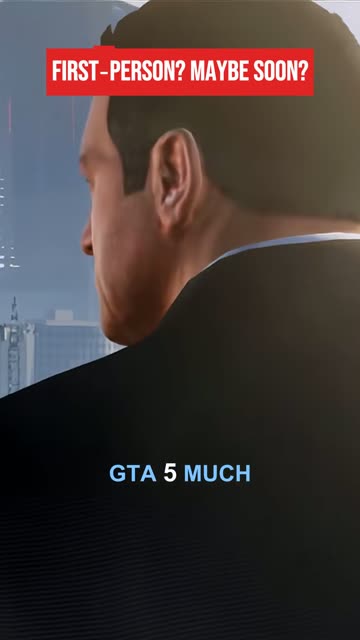
EditDownloadScheduleFirst-person? Maybe soon?0:45 · score 92
EditDownloadScheduleHighlights without rewatching the stream
After a long stream, finding the good parts means scrubbing through hours of VOD. AutoClipMaker does that pass for you. It transcribes what you said and, on Twitch and Kick links, listens for sudden loud reactions too, because the best stream moments are often a shout, not a sentence.
Every moment gets a score and a reason, so you start from a ranked list of highlights instead of a blank timeline.
980:56
Gameplay stays in the frame
A stream is wide and a Short is tall. Fit + blur keeps the whole picture on a blurred copy of itself, and Wide + title keeps it with room for a hook line above. Pick a look once and apply it to every clip from the stream.
Layout
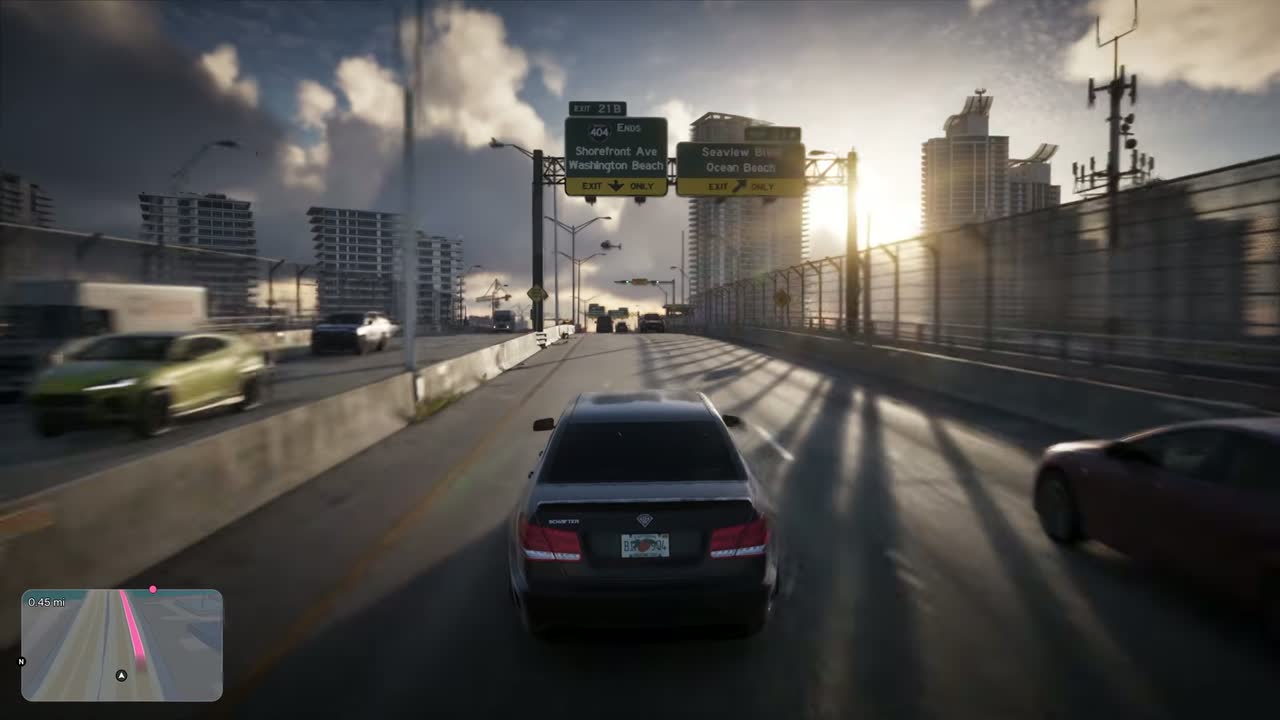 YOUR HOOK LINE HERE
Fill crops to 9:16 and follows faces.Fit + blur keeps the whole frame, on a blurred copy.
Wide + title keeps the whole frame, with room for a hook above it.
YOUR HOOK LINE HEREFrom highlight to posted clip
Each highlight comes out with word-by-word captions and an AI hook line. Trim it, fix any word, add your logo with a brand kit, then schedule it to YouTube Shorts or download it for TikTok and Reels.
Want highlights about one thing? On the Creator and Pro plans, describe it, like "every time chat roasts me", and AutoClipMaker cuts new clips about it from the same VOD.
980:47
Clip only what you are allowed to
Clip your own streams, or another streamer's only with their permission, for example in a clipping campaign that pays you for it. Follow the streamer's rules and the game publisher's video policy.
880:47
What you get
Paste a VOD link
Twitch past broadcasts and highlights, and Kick VODs. No download needed.
Reaction finder
Spots sudden loud moments as well as what is said.
Ranked highlights
A score and a reason for every clip.
Gameplay layouts
Fit + blur and Wide + title for wide game footage.
Long streams
Videos up to 1, 2 or 3 hours long, depending on the plan.
Scheduled Shorts
Post to YouTube Shorts on a schedule. Download clips for TikTok and Reels.
Pricing
Every plan lasts 30 days and never renews by itself. Paid clips carry no AutoClipMaker logo.
| Starter$25 / 30 days | Creator$50 / 30 days | Pro$75 / 30 days | |
|---|---|---|---|
| Video minutes | 300 | 900 | 2,500 |
| Longest video | 60 minutes | 120 minutes | 180 minutes |
| AI captions and titles a day | 15 | 40 | 100 |
| Channels | 2 | 10 | 30 |
| Projects | 2 | 10 | Unlimited |
| Brand kits | 1 | 10 | Unlimited |
| Bulk scheduling and AI moment search | Not included | Included | Included |
| Campaign briefs | Not included | Included | Included |
| Priority processing | Not included | Not included | Included |
| Start Starter | Start Creator | Start Pro |
Starter
$25 / 30 days- Video minutes
- 300
- Longest video
- 60 minutes
- AI captions and titles a day
- 15
- Channels
- 2
- Projects
- 2
- Brand kits
- 1
- Bulk scheduling and AI moment search
- Not included
- Campaign briefs
- Not included
- Priority processing
- Not included
Creator
$50 / 30 days- Video minutes
- 900
- Longest video
- 120 minutes
- AI captions and titles a day
- 40
- Channels
- 10
- Projects
- 10
- Brand kits
- 10
- Bulk scheduling and AI moment search
- Included
- Campaign briefs
- Included
- Priority processing
- Not included
Pro
$75 / 30 days- Video minutes
- 2,500
- Longest video
- 180 minutes
- AI captions and titles a day
- 100
- Channels
- 30
- Projects
- Unlimited
- Brand kits
- Unlimited
- Bulk scheduling and AI moment search
- Included
- Campaign briefs
- Included
- Priority processing
- Included
Questions
Yes. Paste a Twitch past broadcast or highlight link, and it finds the best moments and cuts them into vertical clips with captions.
Yes. Paste a Kick VOD link the same way.
Up to 1 hour on Starter, 2 hours on Creator and 3 hours on Pro per video. For a longer stream, make a Twitch highlight of the part you want and paste that link.
No. On Twitch and Kick links it listens for loud reactions too, though commentary still gives better hooks and captions.
Only with their permission, for example in a clipping campaign that pays you to clip them.
Plans are $25, $50 or $75 for 30 days and never renew by themselves.
Your video, clipped.
Paste a link and AutoClipMaker shows you the moments worth posting. You create your account on the next step.