810:47
Mark ZuckerbergFrom “The Future Mark Zuckerberg Is Trying To Build”Auto clip Twitch streams into Shorts
You streamed for hours. Somewhere in there are the moments that would blow up on Shorts and TikTok. Paste the Twitch VOD link and AutoClipMaker finds them, cuts them vertical with captions, and gets them ready to post.
Now in beta. Plans from $25 for 30 days, no auto-renewal. Updated 2026-11-03.
GTA 6 in 3 Weeks - Everything You Need To Know Before You Play!GrandGecko · 36 minutes · 14 clips found
Busted $150 price tag?Curiosity gap · starts at 1:57 · 0:46
98Made with AutoClipMaker
Podcasts, interviews and challenge videos, cut into vertical clips with hooks, captions and face tracking.
890:48
GrandGeckoFrom “GTA 6 in 3 Weeks - Everything You Need To Know”950:47
Alex HormoziFrom “The 4 Steps To Your First Dollars Tomorrow”960:48
Outdoor BoysFrom “Can I Survive Alaskan Winter with No Sleeping Bag?”980:56
MrBeastFrom “Survive 30 Days Trapped In The Sky, Win $250,000”980:47
Chris WilliamFrom “I Went To The Biggest KFC In Pakistan”980:47
Robert GreeneFrom “Three Essential Skills For Today’s World”880:47
GrandGeckoFrom “GTA 6 in 3 Weeks - Everything You Need To Know”770:47
Mark ZuckerbergFrom “The Future Mark Zuckerberg Is Trying To Build”950:48
Outdoor BoysFrom “Can I Survive Alaskan Winter with No Sleeping Bag?”740:46
Alex HormoziFrom “The 4 Steps To Your First Dollars Tomorrow”How it works
Paste a link or upload
A YouTube, Twitch, Kick, Google Drive or Zoom link, or a video or audio file from your computer.
AI finds the best moments
It transcribes every word, scores each part for hook, emotion and payoff, and picks the moments worth posting.
Edit, download or schedule
Clips come out vertical with captions. Tweak them in the editor, download them, or schedule them to YouTube Shorts.
New video
Find my clipsOr upload a file: MP4, MOV, MKV, WebM, MP3, WAV or M4A.
Working on it
- Fetched the video, 36 minutes
- Transcribed every word
- Scoring moments for hook, emotion and payoff
- Cutting vertical clips with captions
14 clips ready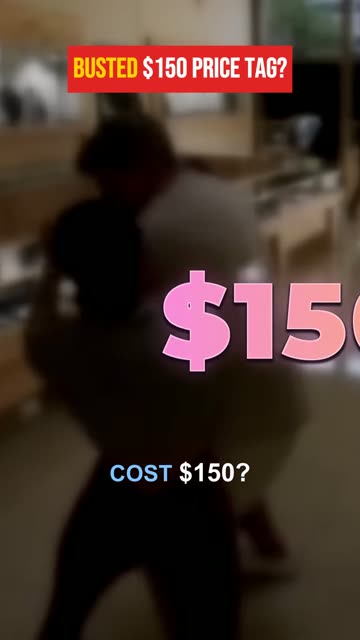
Busted $150 price tag?0:46 · score 98
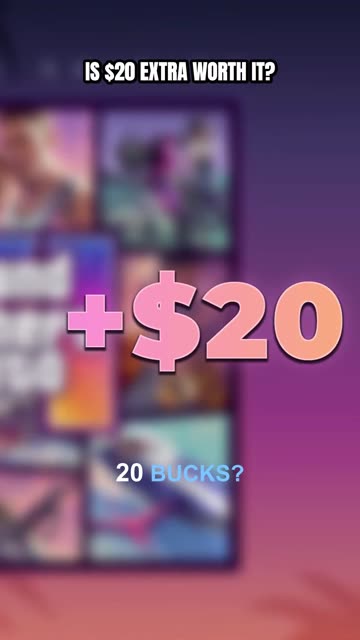
EditDownloadScheduleIs $20 extra worth it?0:45 · score 97
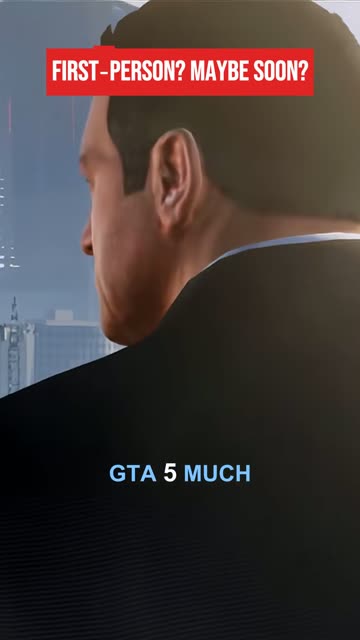
EditDownloadScheduleFirst-person? Maybe soon?0:45 · score 92
EditDownloadScheduleWhy streamers clip their VODs
Most new viewers find a streamer through short clips, not by stumbling into a live stream. Posting the best moments of every stream on YouTube Shorts, TikTok and Reels keeps you in front of people between streams and sends them back to your channel.
The problem is time. Rewatching a four-hour VOD to find the funny fail, the clutch play or the rant worth sharing takes longer than the stream itself. AutoClipMaker does that rewatching for you.
980:56
From VOD link to ready clips
Copy the link of a past broadcast or highlight on Twitch and paste it in. AutoClipMaker transcribes what you said, scores each part for hook, reaction and payoff, and turns the best parts into 9:16 clips with word-by-word captions. Face tracking keeps you in frame when the wide stream becomes vertical.
Want something specific? Describe it, like "every time chat roasts me", and it cuts new clips about it from the same stream. Kick VOD links work too.
Layout
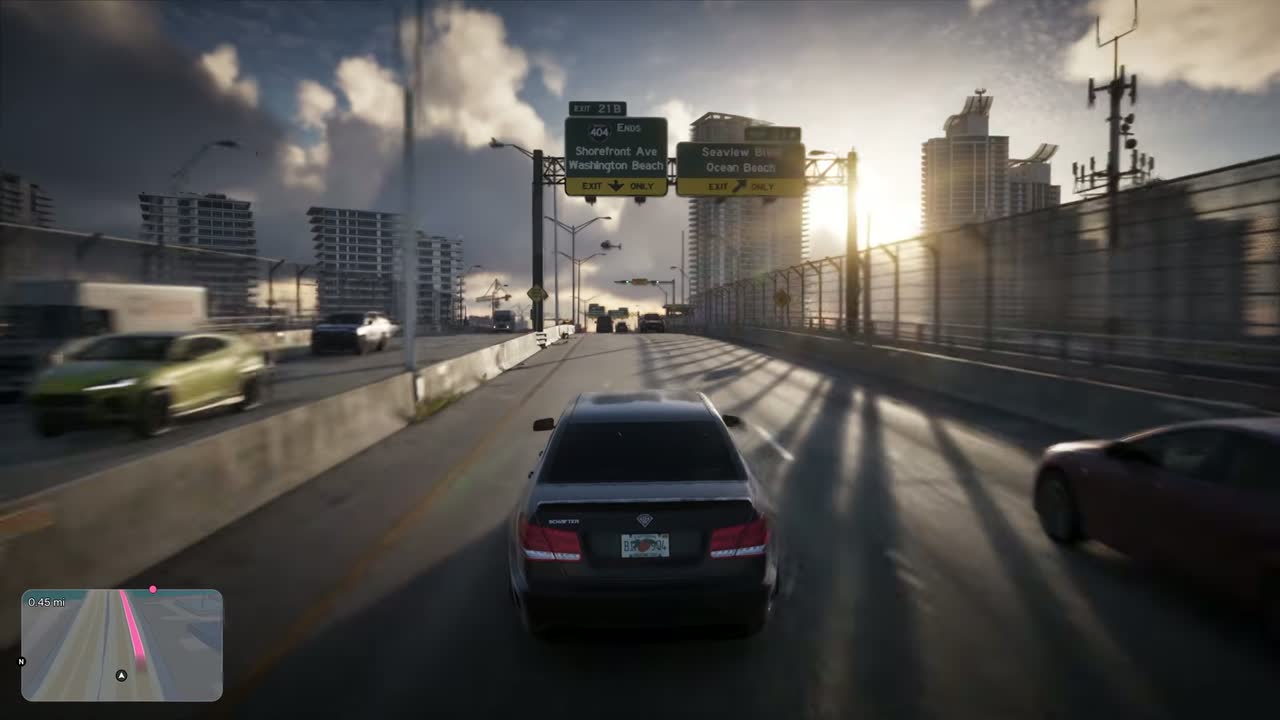 YOUR HOOK LINE HERE
Fill crops to 9:16 and follows faces.Fit + blur keeps the whole frame, on a blurred copy.
Wide + title keeps the whole frame, with room for a hook above it.
YOUR HOOK LINE HEREWhat you get
Paste a Twitch link
Past broadcasts and highlights from Twitch, and Kick VODs too. No downloading first.
Moment finder
Ranks the whole stream and shows why each clip was picked.
Vertical with captions
9:16 clips with face tracking and captions people can read on mute.
Find these moments
Describe a topic and get clips about it from the same VOD (Creator and Pro plans).
Your brand on every clip
Your logo, colours and caption style through brand kits.
Post on a schedule
YouTube Shorts posting built in; download clips for TikTok and Reels.
Pricing
Every plan lasts 30 days and never renews by itself. Paid clips carry no AutoClipMaker logo.
| Starter$25 / 30 days | Creator$50 / 30 days | Pro$75 / 30 days | |
|---|---|---|---|
| Video minutes | 300 | 900 | 2,500 |
| Longest video | 60 minutes | 120 minutes | 180 minutes |
| AI captions and titles a day | 15 | 40 | 100 |
| Channels | 2 | 10 | 30 |
| Projects | 2 | 10 | Unlimited |
| Brand kits | 1 | 10 | Unlimited |
| Bulk scheduling and AI moment search | Not included | Included | Included |
| Campaign briefs | Not included | Included | Included |
| Priority processing | Not included | Not included | Included |
| Start Starter | Start Creator | Start Pro |
Starter
$25 / 30 days- Video minutes
- 300
- Longest video
- 60 minutes
- AI captions and titles a day
- 15
- Channels
- 2
- Projects
- 2
- Brand kits
- 1
- Bulk scheduling and AI moment search
- Not included
- Campaign briefs
- Not included
- Priority processing
- Not included
Creator
$50 / 30 days- Video minutes
- 900
- Longest video
- 120 minutes
- AI captions and titles a day
- 40
- Channels
- 10
- Projects
- 10
- Brand kits
- 10
- Bulk scheduling and AI moment search
- Included
- Campaign briefs
- Included
- Priority processing
- Not included
Pro
$75 / 30 days- Video minutes
- 2,500
- Longest video
- 180 minutes
- AI captions and titles a day
- 100
- Channels
- 30
- Projects
- Unlimited
- Brand kits
- Unlimited
- Bulk scheduling and AI moment search
- Included
- Campaign briefs
- Included
- Priority processing
- Included
Questions
Up to 1 hour on Starter, 2 hours on Creator and 3 hours on Pro per video. For longer streams, make a Twitch highlight of the part you want and paste that link.
Yes. Paste a Kick VOD link the same way as a Twitch link.
Only with their permission, for example in a clipping campaign that pays you to clip them. Always follow the streamer's rules.
Plans are $25, $50 or $75 for 30 days and never renew by themselves. We are in beta, so free trials are paused for now.
Your video, clipped.
Paste a link and AutoClipMaker shows you the moments worth posting. You create your account on the next step.